Why SharePoint Application Development Still Powers Enterprise Collaboration in 2026
Learn how businesses use SharePoint for workflow automation, seamless Microsoft 365 integration, and enhanced governance.
Join us
 Updates from GitLive...
Learn how businesses use SharePoint for workflow automation, seamless Microsoft 365 integration, and enhanced governance.

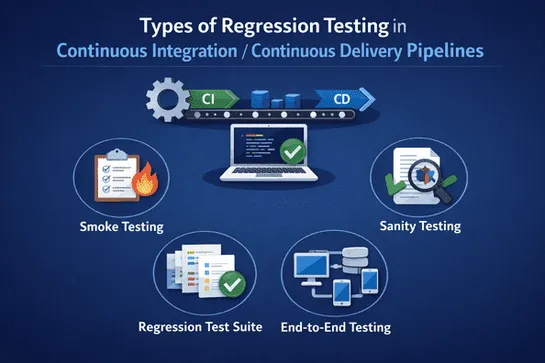
Learn how different types of regression testing in CI/CD pipelines help teams detect defects early, maintain software quality, and reduce production risks while optimizing automated workflows.
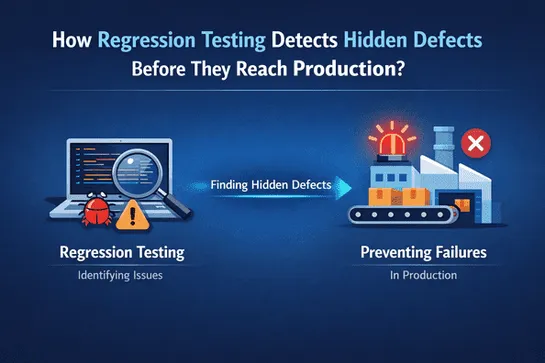
Understand how regression testing helps teams identify hidden defects early, maintain system stability, and prevent production issues using effective testing strategies and regression testing tools.

Read this blog to learn how software maintenance services fuel continuous improvement, prevent downtime, and protect your digital investments.

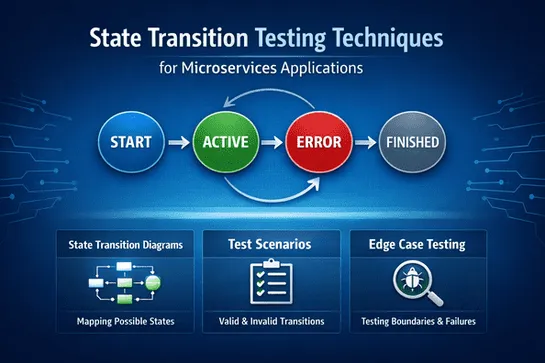
Learn effective state transition testing techniques for microservices applications. Ensure reliable service behavior, validate workflows, and strengthen regression testing in CI/CD pipelines.




NanoClaw is a lightweight open-source personal AI agent that runs locally and connects to apps like WhatsApp and Telegram. Built with only ~3,900 lines of code across 15 files, it uses container isolation to securely run agents and aims to offer a simpler, fully auditable alternative to large frameworks like OpenClaw.


OpenAI released GPT-5.4, its new flagship model for ChatGPT, the API, and Codex. It improves reasoning, coding, and agent workflows, introduces native computer-use capabilities, supports up to 1M tokens of context, and adds tool search to make large tool ecosystems more efficient. The model is more accurate, more token-efficient, and better at real professional tasks like coding, spreadsheets, documents, and web research. A higher-performance GPT-5.4 Pro version is also available for complex workloads.

