Two Approaches To Building HR Templates In Jira
A position opening template should list the main steps of the recruitment process and allow you to organize your work effectively. In Jira, this can take different forms:
Checklist in a work item
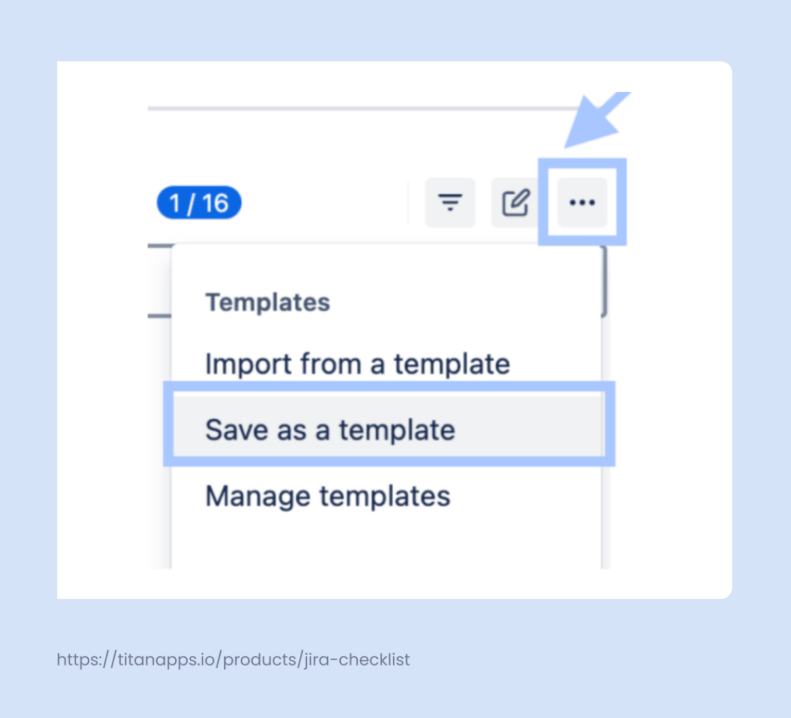
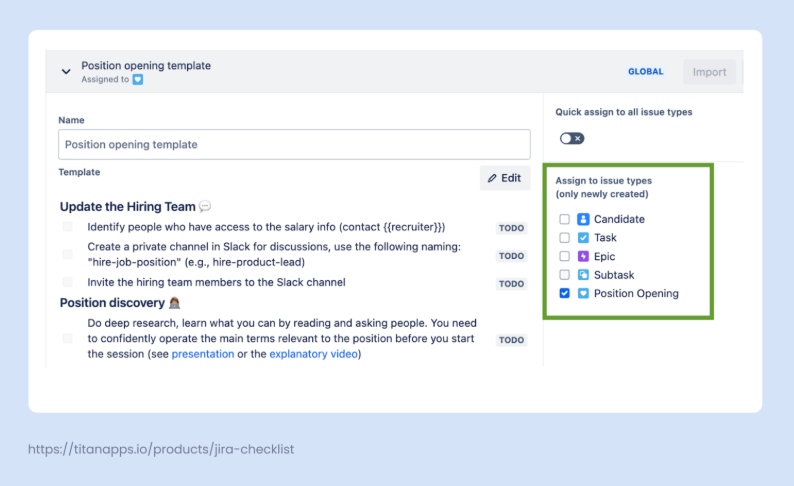
This type is used when you organize your recruitment process as a stand-alone Jira task (or another work type). In other words, when you have one Jira task for each position you need to close. Then, you can add a structured checklist to that task, documenting all the necessary activities from start to finish. This checklist can be saved as a template and reused for every new position opening.
Pre-configured set of Jira work items
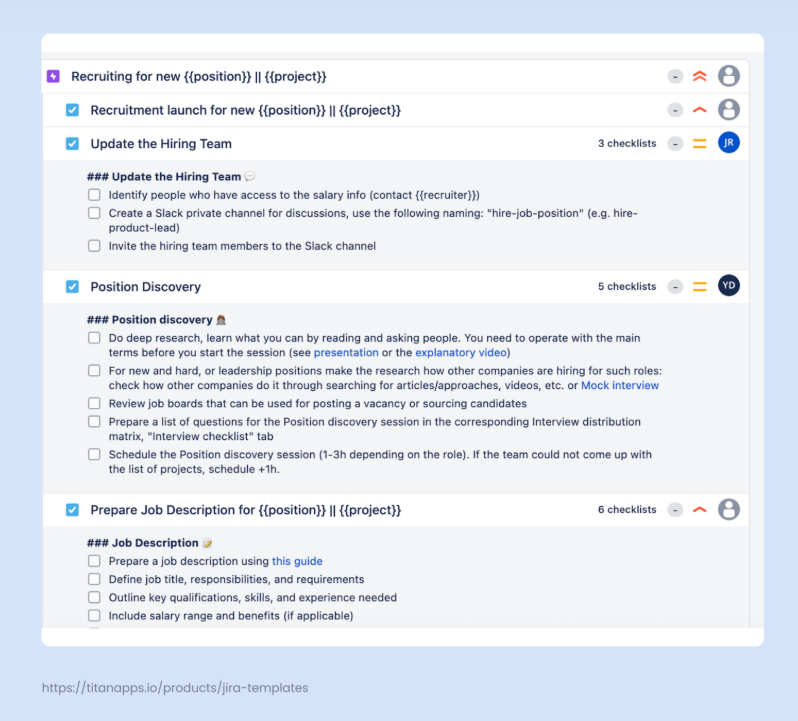
This format is a good fit if you prefer to have several Jira tasks per position. For example, this may be more convenient if you have different assignees for different stages of the process. In this case, you can create a standardized set of Jira tasks and save the whole hierarchy of work items as a template.
For instance, this can be an epic “Recruiting for a CTO position” with separate tasks such as “Position discovery”, “Vacancy posting”, and so on. These tasks can also include subtasks and checklists. Then, for each new position opening, you can quickly create the whole set of ready tasks from this template. This can be done both manually and with the help of automation.
Both formats allow you to optimize time and effort. Moreover, this ensures that each recruiter follows the same sequence of pre-defined steps so that the process runs smoothly and consistently. Let’s see how to build both types of templates with Smart Tools for Jira.
1. A Position Opening Template in The Form of a Checklist
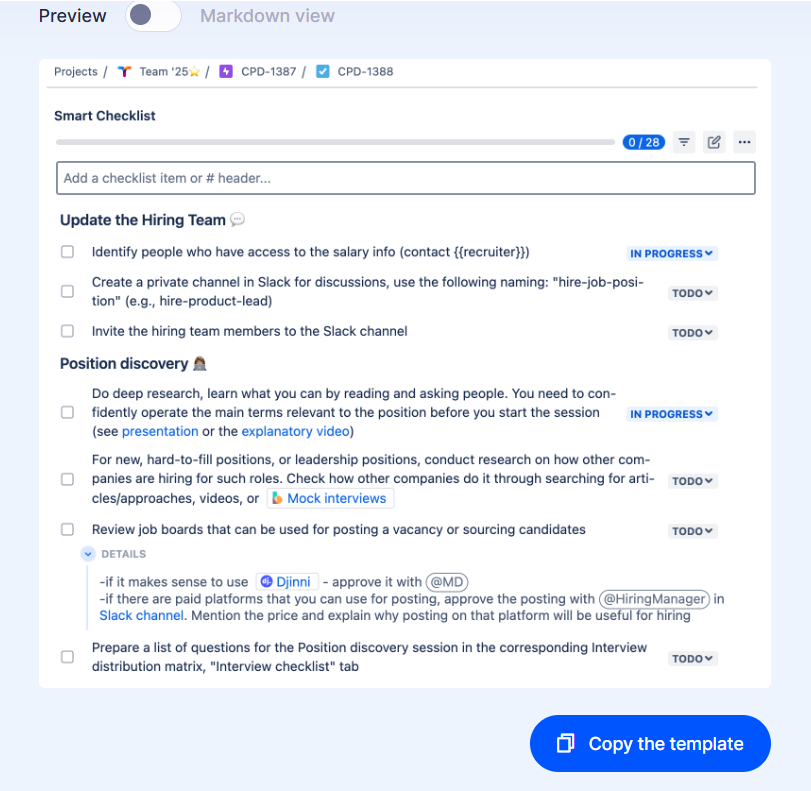
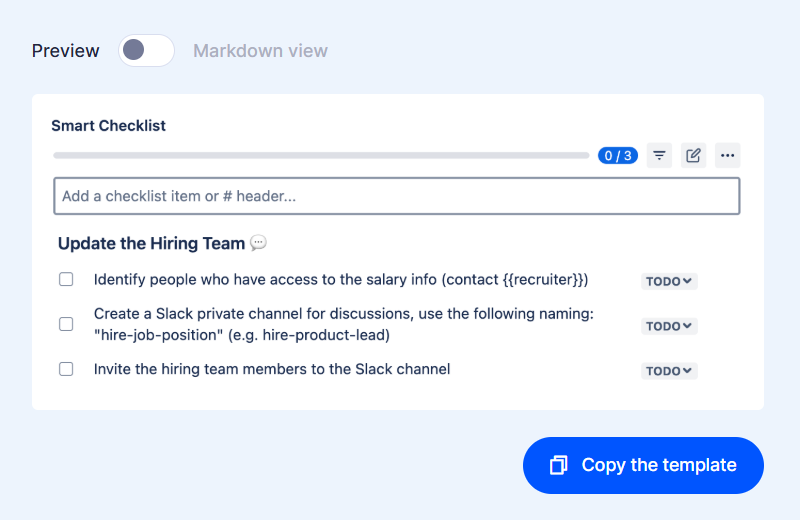
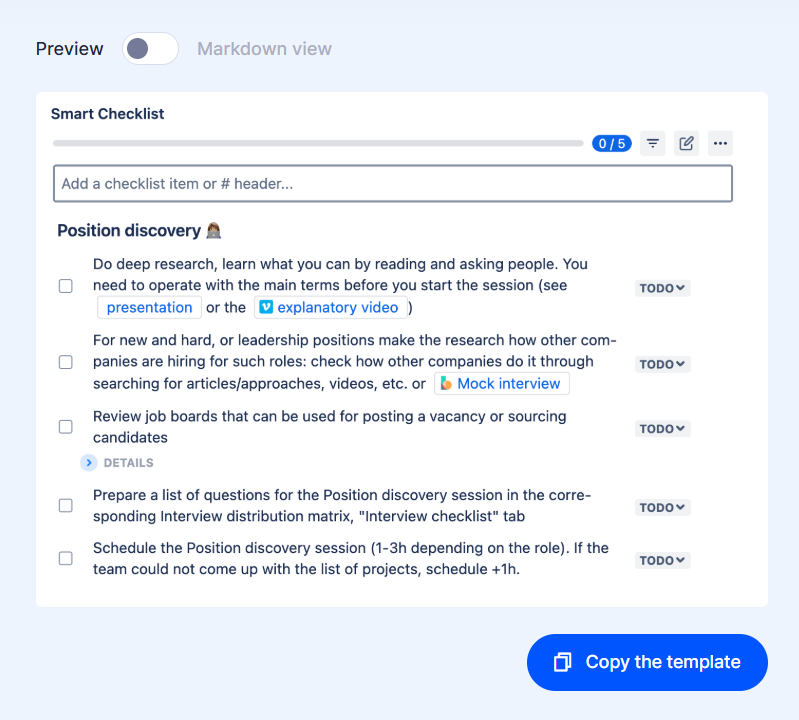
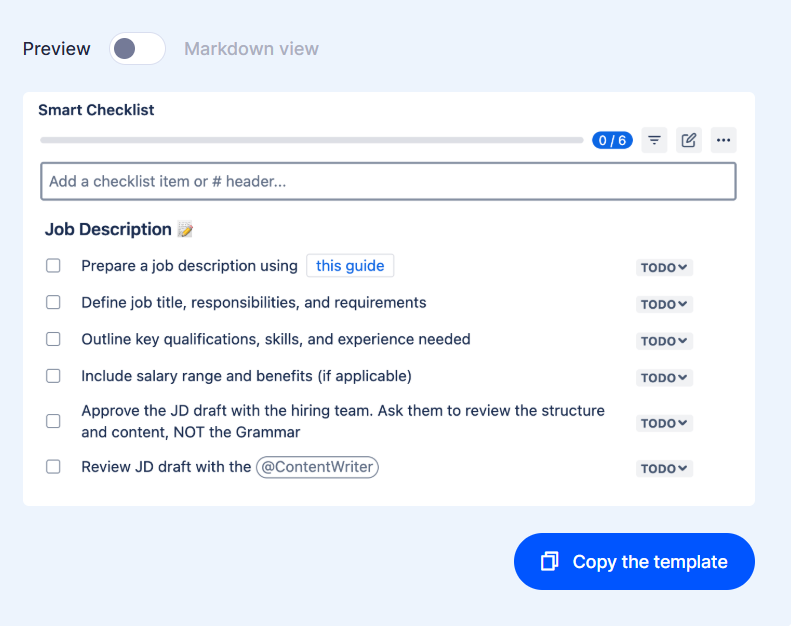
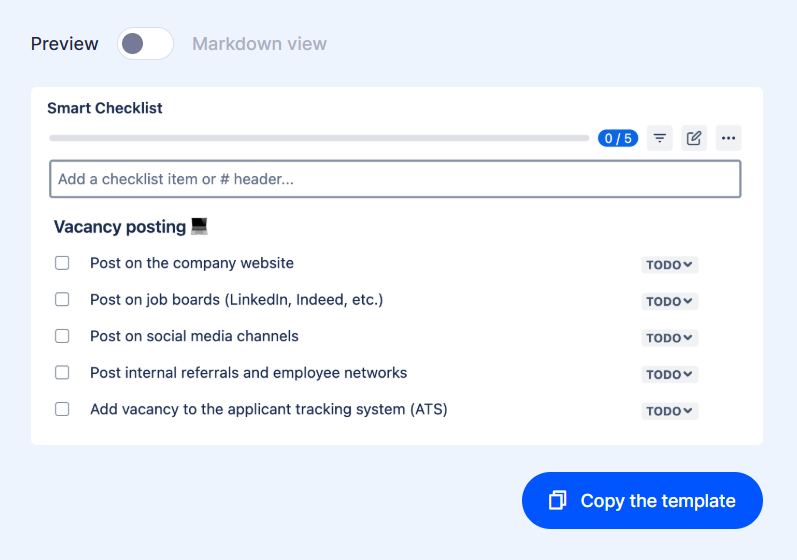
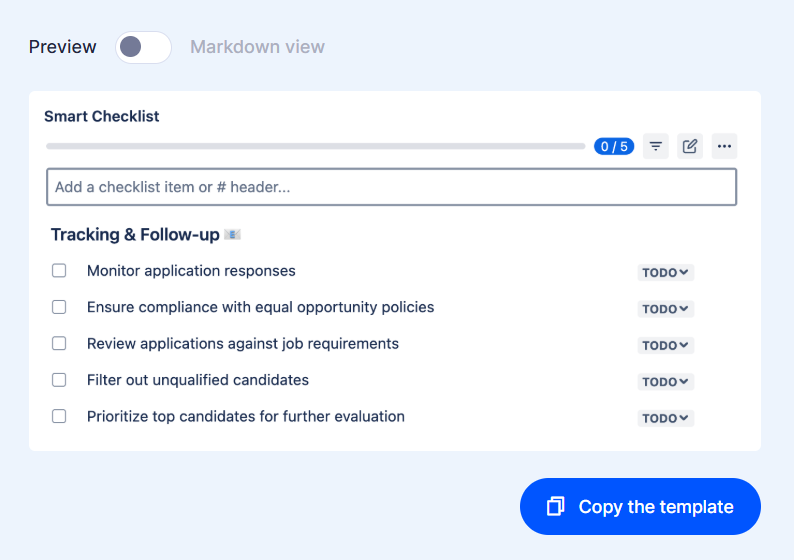
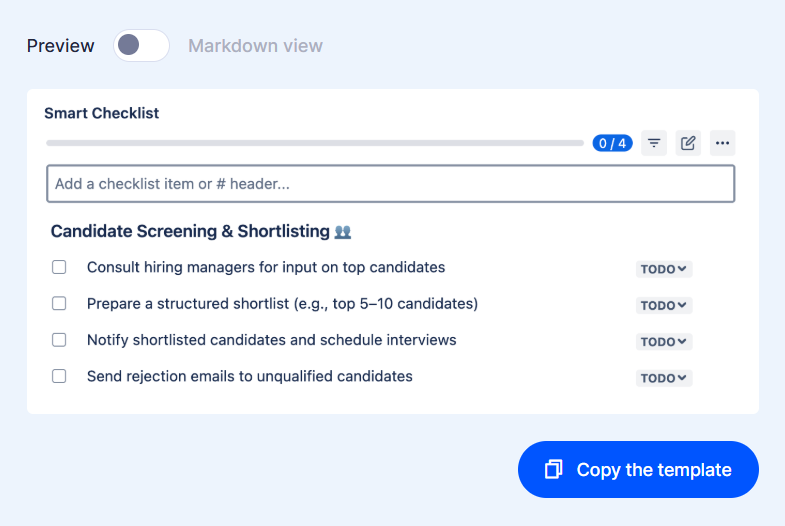
We’ve prepared a free checklist template covering the main stages of the recruitment process. It encompasses everything from the initial steps and position discovery to vacancy posting and shortlisting candidates. The template is organized as a structured action plan where the headers are used to separate one stage from another.
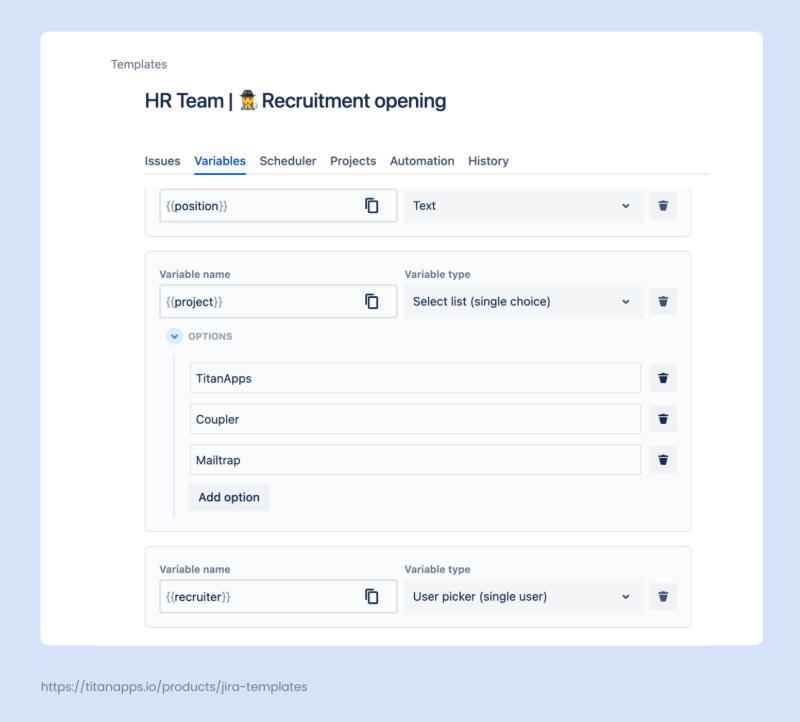
Smart Checklist is a tool that offers a lot of flexibility. As you can see in the screenshot below, this position opening template supports emojis, variables, rich text formatting options, and more: