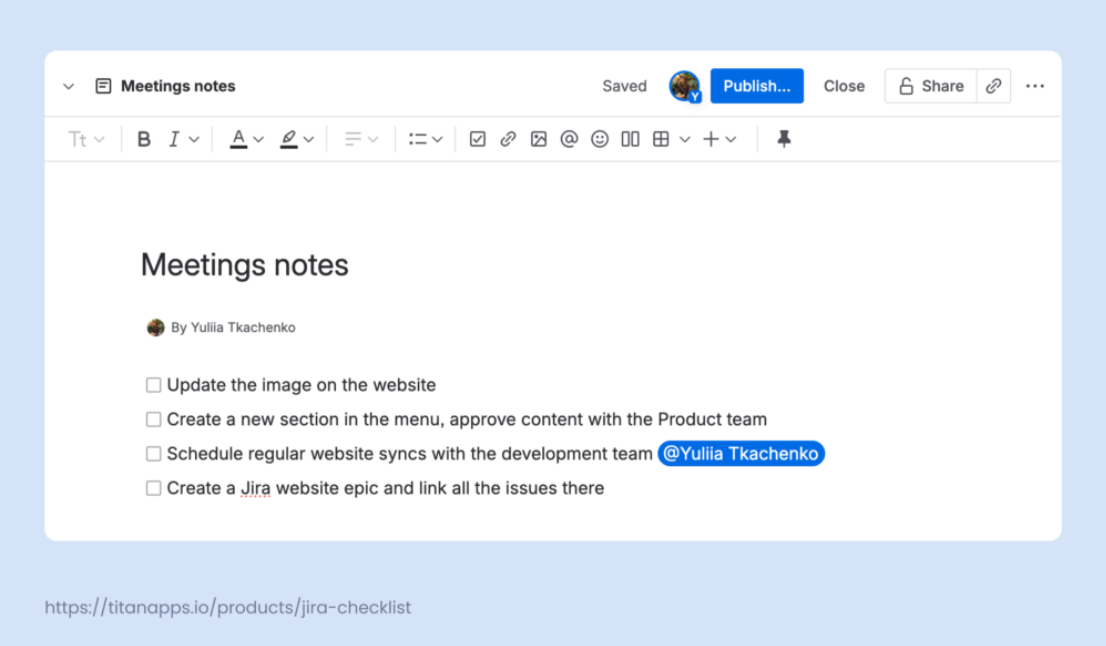
But they have clear limits, and those limits show up fast when teams try to use them for anything that requires accountability.
While Confluence makes it easy to add checklist items, those checkboxes are disconnected from structured work. You can’t assign tasks to specific team members, set due dates, or track task progress over time. There’s no built-in status field, no way to view changes over time, and no connection to sprints, roadmaps, or larger project planning. Once a box is checked, that’s the end of the story.
This means tasks often just sit on the page without any real accountability. There’s no visibility into who completed them, when they were done, or how they relate to broader project progress.
Without some sort of integration, tracking becomes manual, fragmented, and just clunky. At the end of it, relying on Confluence checklists for anything beyond simple reminders becomes difficult.
They’re useful for capturing intent or collaborating in the moment, but they aren’t enough when the work matters.
TL;DR – limitations of native Confluence checklists:
- No assignees
- No due dates or reminders
- No structured progress tracking
- Not tied to sprint or workflow status
- Easy to forget or overlook
- No connection to broader project metrics
When work needs more than a checkbox
In real projects, things change fast. Dependencies shift, blockers appear, priorities evolve.
Lightweight checklists fall apart when they can’t adapt to those shifts or show what’s happening.
The moment a teammate asks, “Is this still in progress?” or “Who owns this task?” is the moment you’ve reached a roadblock with a static checklist.
But that’s exactly where Jira comes in. It’s a work management platform that teams use to define stories, link issues to epics, assign owners, track due dates, set estimates, monitor sprints, and visualize delivery progress. It’s the structured foundation that many product, engineering, QA, and design teams rely on every day.
But not every stakeholder uses Jira. Marketing teams, customer support, leadership, and other teams often work in tools like Confluence, Notion, shared drives, or Slack. They often just need visibility into the work without diving into Jira.
This disconnect becomes obvious during feature launches, incident response coordination, or readiness reviews. PMs end up copying status updates from Jira into Confluence. Pages get outdated quickly. Teams bounce between links and tabs just to answer basic questions.
So, how do you preserve Jira as the single source of truth while extending real-time visibility to the teams who work in Confluence?
TL;DR – why you need more than basic checklists:
- Real projects require owners, timelines, and traceability
- Stakeholders need up-to-date task visibility without jumping into Jira
- Copying task status manually creates versioning issues and stale pages
- Teams need a live connection between structured work and shared documentation
Bringing checklist progress from Jira into Confluence
To bridge that gap, here’s how you bring structured Jira checklist progress into Confluence.
Once your team is managing tasks in Jira, using Smart Checklist to track things like QA steps, release readiness, or deployment flows, you can make that progress visible in Confluence using the standard Jira issue macro. This pulls real-time data from Jira issues directly into the Confluence page, so everyone stays in sync without switching tools. Here’s how to set it up:
- In Confluence, insert the Jira issue macro
- Link the relevant Jira issue(s) that contain Smart Checklist data
- Set the Display option to Table
- In Columns to display, add:
- Smart Checklist Progress (e.g., 10/12 complete)
- Checklists (the actual checklist items and their statuses)
- Insert and publish the page